Play The Best Memory Online Free - Complete Game Review & Guide
The Best Memory: A Fun Brain Game for Kids!
Ready for a fun game that makes your brain happy? 🧠 The Best Memory is a super easy and cheerful game that helps you boost your memory while you play! No pressure—just loads of fun.
Find Matching Tiles for a Great Time
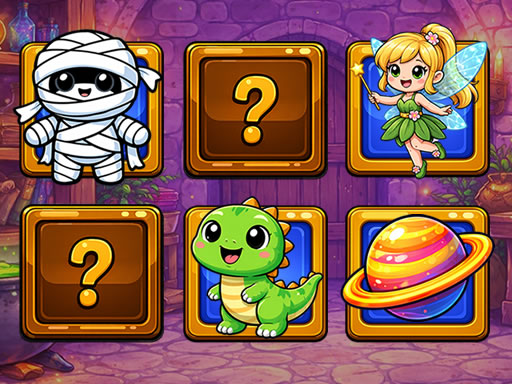
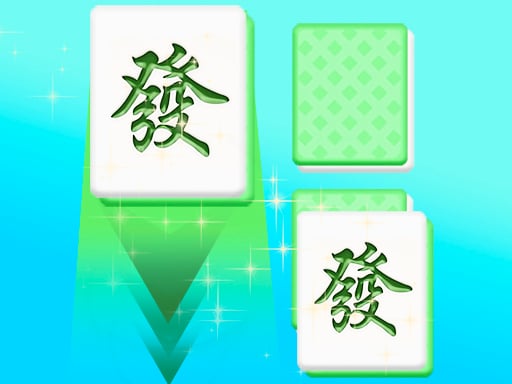
In this game, you’ll flip tiles one by one and look for pairs with funny pictures. Match them up, and they disappear! Keep going until the whole board is clear.
How to Play:
- Click or tap on a tile to reveal it.
- Find the same picture on another tile to make a pair.
- Watch the tiles disappear and feel proud of your matches!
Why You’ll Love This Game
- No time limit! Play at your own pace and enjoy.
- Funny pictures keep the game fresh and fun.
- Brain-boosting challenge that’s easy for kids but tricky enough to keep you thinking.
This is the perfect kids game to play alone or with friends. No downloads needed—just open it and start matching!
🌟 Quick Tip: Take your time and look carefully. The faster you match, the better your score!
So come on, give your memory a workout with The Best Memory. It’s a fun game that’s easy to learn but hard to master. Happy matching! 😄
Recommended next: Springle Puzzle
Everything You Need to Know About The Best Memory
Game Information
- Game Title: The Best Memory
- Genre: puzzle
- Platform: HTML5 Browser Game
- Release Date: 2026-04-25
- Players: Single Player / Multiplayer
- Price: Free to Play
- Rating: ⭐ 4.8/5 (1 votes)
- Total Plays: 0
Why Play The Best Memory on PlayCrazyGames?
game_y8.game_experience_free
- ✅ Instant Access - No downloads or installations
- ✅ Full Screen Mode - Immersive gaming experience
- ✅ Mobile Optimized - Play on any device
- ✅ High Performance - Smooth gameplay guaranteed
- ✅ Safe & Secure - 100% virus-free
- ✅ No Registration - Start playing immediately
How to Play The Best Memory
Master The Best Memory with these simple steps:
- Click the game container to start playing
- Use mouse click or keyboard controls (check game instructions)
- Complete objectives and achieve high scores
- Press fullscreen button for better experience
- Share with friends and challenge their scores!
Gameplay Tips & Strategies
To excel at The Best Memory, consider these expert tips:
- Start with tutorial levels to understand basic mechanics
- Practice regularly to improve reaction time and skills
- Watch video walkthrough for advanced strategies
- Take breaks to maintain focus and performance