Introduction
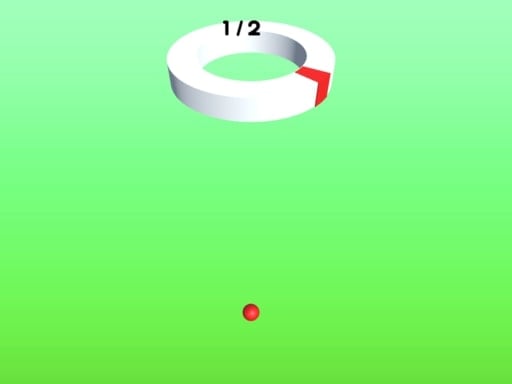
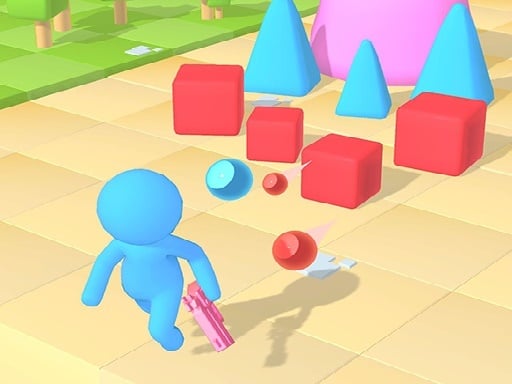
Hey, guys! Let's get ready to roll with Piggy Bank Demolish Run! A colorful, fun 3D pixel running game where your adorable little piggy zooms past toy walls in a magical world. The purpose is to collect special coinage to unlock paths while avoiding hitting red obstacles that launch you into the air! Collect enough gold coins, and you have 21 skins to unlock and use in the shop. Ready to have fun? Off we go!
Gameplay
One of the awesome things about Piggy Bank Demolish Run is that it's easy to learn and super fun:
- Touch and drag to move your piggy bank left and right across the screen, as if you're holding a controller for the little guy.
- Grab those special coins floating up in the air to pass through different toy walls.
- Don't even think about going into red obstacles or traps. It's game over if you do. Be fast and smart about it.
- Accumulate lots of gold coins to buy different skins for the piggy bank in the shop. There are 21 to collect, so keep playing!
Features or Highlights
- Awesome 3D pixel art: The colorful pixel style brings in the glory!
- 21 Different Skins: Earn gold coins to change your piggy bank's look, with every skin being one of a kind and super cool.
- Intense Toy Walls: Each wall asks for different coins to pass. Sort all those coins together, or your adventure will end.
- Simple and Fun Controls: Touch and drag. That's all, literally.
Tips for Playing
Here are some tips that will make you a pro at Piggy Bank Demolish Run:
- Stay Alert: Look out for coins and obstacles. The quicker you react, the better it will be!
- Plan Ahead: Try to recall which wall requires which coins; it's almost like solving a mini-puzzle!
- Collect Gold Coins: These coins are highly valuable to use for skins. So, try to get as many of them!
- Practice Makes Perfect: More games mean more experience, so chances are that as soon as you start playing, you will have your fair share of hits and knocks. Don't be discouraged; just keep on going!
Platform
The mobile platform is an option to play Piggy Bank Demolish Run, whether on an iPhone or an Android device. Whenever and wherever, it's all good to play!
Developer
An exceedingly fun and highly creative array of game developers represents the developer of Piggy Bank Demolish Run. The motive was to produce a game that makes kids smile and is very easy to play. They love producing games that are not just rewarding but also fun for children like you!
Enjoy running, collecting, and unlocking in Piggy Bank Demolish Run! 🐷💨🌟