Introduction
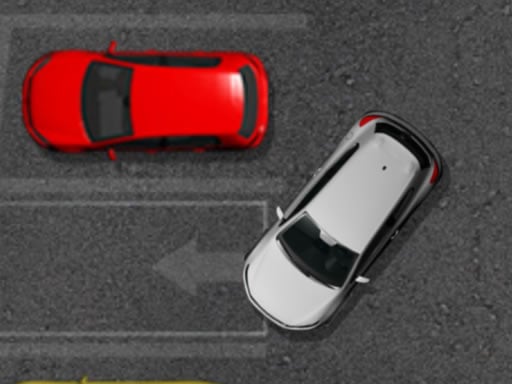
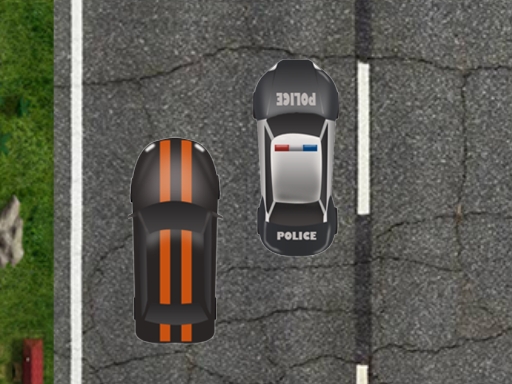
Hey, future parking pros! Get ready to prove your worth in the ultimate car parking challenge of Parking Challenge! It is a tremendously amusing and easy-to-play game where, mainly, your job is to find the right spot for your car and park it correctly. The other part of all this is that it is not so simple! A careful approach has to be taken when maneuvering through a crowded parking lot, while avoiding other cars, big trucks, and the annoying concrete curbs. Any collisions or curb bumps and you'll have to start from scratch. So, are you up for testing your parking skills? Lets cruise!
How to Play
In Parking Challenge, a player has to use either his arrow keys or buttons in order to drive the car, look for an empty parking spot, and park smoothly while avoiding any bumps or scratches. Basically here is what you need to do;
- Find the Spot: Look for an empty parking spot that's just right for your car.
- Navigate Carefully: Use your arrow keys or buttons to turn and move your car slowly.
- Avoid Collisions: Make sure you don't touch any other car, trucks or the concrete curbs. One little bump and start from scratch!
- Park Perfectly: Line your car just right in the parking spot, and it's all yours!
Features or Highlights
- Exciting Parking Lot: Park in a variety of busy parking lots, each with its own nuisances and challenges.
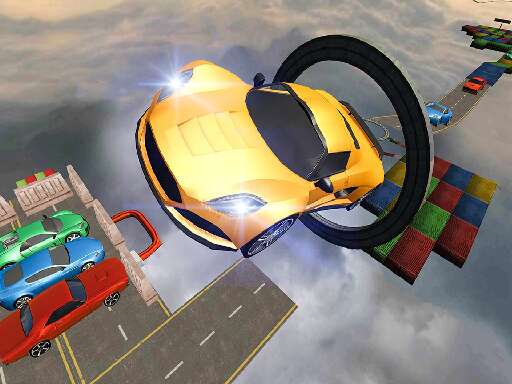
- Different Vehicles: Try parking different types of cars and trucks, each with different handling.
- Hard Levels: As you pass the levels get harder, with more obstacles and tighter spots.
- Simple and Fun: You pick it fast enough, but really getting good at it will take some skill.
Tips for Playing
- Go Slow: Don't rush. It's easy to mess up if you speed!
- Use the View: If there is a camera view to this game, make sure to use it to check your alignment.
- Practice Makes Perfect: The more you play, the better you will become at parking without hitting anything.
- Stay Calm: If things go wrong, don't lose your temper; just start again.
Platform
Parking Challenge can be played on various platforms including:
- Web: Just pull out your browser and play it!
- Mobile: This game is on the go for your phone/tablet.
- PC: And on your computer too.
Developer
Parking Challenge is created by a band of friendly game developers that love making fun and challenging games for kids and adults alike. They made it simple enough to learn, yet tricky enough to stay entertaining for hours!
So grab those driving gloves, because parking victory awaits for you in the world of Parking Challenge! Happy parking! 🚗💨