Introduction
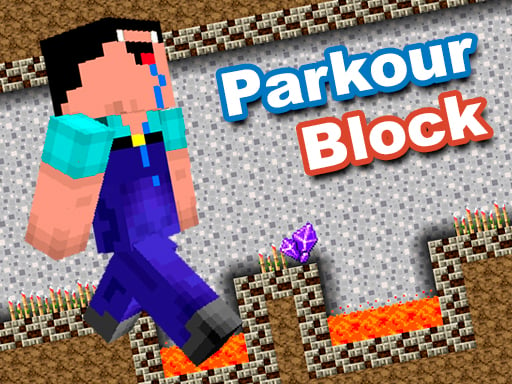
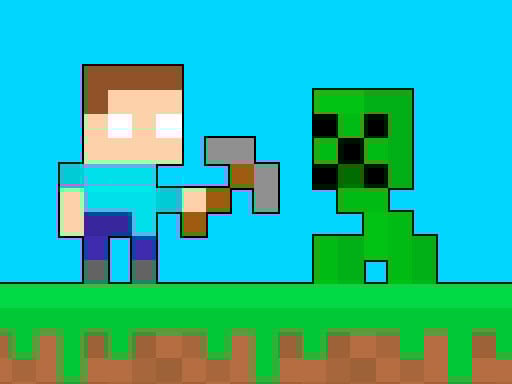
Hey future parkour master! Get ready for a challenging adventure in Minecraft Parkour Block! The game is about jumping, dodging, and exploring through amazing levels. You have to use your reflexes and the clarity of your mind to do feats; leaping over obstacles, climbing walls, and zipping through platforms. There is a wide range of challenges to keep you smiling and playing classics for hours, whether you are an advanced parkour stunter or are a learner!
How to Play
Playing Minecraft Parkour Block is so easy and fun! Here's what you need to know:
- Use the arrow keys (Directions) on your keyboard for movement, such as left and right.
- Hit the space bar to make your character jump really high and far!
- If you are playing on your phone or tablet, use your touch controls for the arrow keys to move and the space bar to jump.
You will have to manage your jump timing against quick-falling hazards to get through each level. Do you want to test your skills?
Features/Highlights
- Glorious Graphics: With plenty of colorful blocks and beautiful designs, the game feels like a fresh adventure with every level.
- Diversified Levels: Each level is distinct in its challenges, keeping you entertained!
- Coherent Gameplay: The control system is so responsive that you can jump or move just like in the real Minecraft world.
- Tons of challenging fun: Suitable for all types of players, whether you are a parkour master or just learning.
Tips & Tricks for Playing
- Practice Makes Perfect: The more you play, the better you’re gonna get at jumping and moving.
- Plan Your Jumps: Look ahead and consider where you need to land before you hit that jump.
- Don't get discouraged: If you fall, just get back up and try again!
- Enjoy yourself: Remember the shipping is about good fun with parkour and seeing how far you can go.
Platform
Minecraft Parkour Block can be played on web browsers! That means it is playable on both your computer and phone or tablet. No downloads or extra apps needed; just open your browser and begin jumping!
Developer
Minecraft Parkour Block is created by a team of very creative developers who enjoy creating entertaining yet challenging games for players such as yourself. They worked hard to provide a game that allows fun and easy play so you can enjoy the thrill of parkour at your leisure.
What are you waiting for? Put on your parkour shoes and get ready to jump into victory with either your keyboard or your phone! Enjoy! 🌟🎮🏃♂️🏃♀️