Introduction
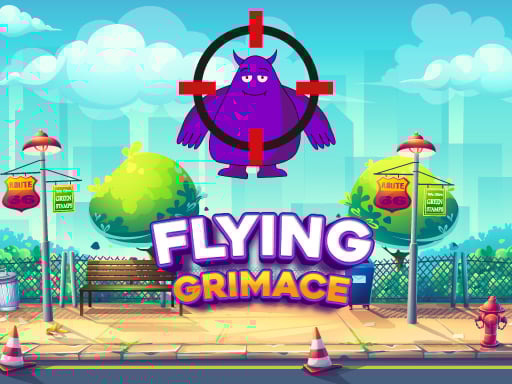
Hey, there! Young gamers, fasten your seatbelts because this is going to be one extremely fun and exciting game. In this game, you will be helping your buddy Grimace in a ridiculously funny and action-packed challenge. You are supposed to make your bullet hit the policeman or any other objects on the screen just right to hit Grimace. It's all about precision coupled with a little strategy and loads of fun with friends and family.
How to Play
In other words, playing Grimace Bullet Blender is dead easy! All you've got to do is:
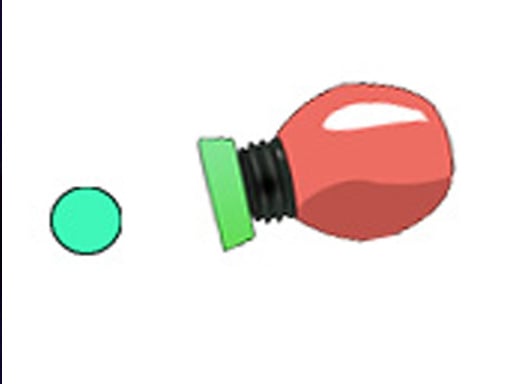
- Aim: Use the mouse or your finger on the touch screen to aim at the bullet. Click or tap on the police officer or on any other object on the map to direct the bullet.
- Align: Ensure the bullet is perfectly lined up with Grimace. The shot needs to be just right!
- Shoot: Now the big SHOOT button will pop up and you simply have to click or tap it to shoot it.
Lest I forget, it's very, very simple! The more times you play, the more confident you will become with your aim and shoot.
Features or Highlights
- Hilarious Characters: Get a completely different side of Grimace, with lots of fun hitting him with the bullet.
- Dynamic Gameplay: Your every move is different; you are never going to get bored striking a first-rate balance between quick-thinking and precision.
- Art Style to Live For: Beautifully designed with a bright and fun art style that you will enjoy admiring.
- Challenge Mode: Show your mettle with different levels and win or attempt at beating your own high score!
Tips For Playing
- Practice Makes Perfect: The more you merrily play this game, the sharper and more skilled you become with aiming. Keep practicing!
- Be Strategic: Think about the destination from where the bullet is to initiate its journey before the epic shot is released. Sometimes aiming straightforward is just not enough.
- Have Fun: Remember that this game is supposed to be fun. So if you don't win on the first shot, don't sweat it.
Platform
You can get the Grimace Bullet Blender game on a computer, tablet, or phone. It is available on web sightmaps as well as for installation on mobile phones.
Developer
This one is a product of creative and fun-loving game designers who want all smiles on kids' faces. They love creating games that are easy to play but hard enough to keep you glued for hours.
So, what are you waiting for? Grab your mouse or finger, and get ready to go big with Grimace Bullet Blender! A game full of laughter, thrill, and oodles of fun. Happy gaming!