Play FNF Vs. Roblox: Breaking News Online Free - Complete Game Review & Guide
What is FNF Vs. Roblox: Breaking News?
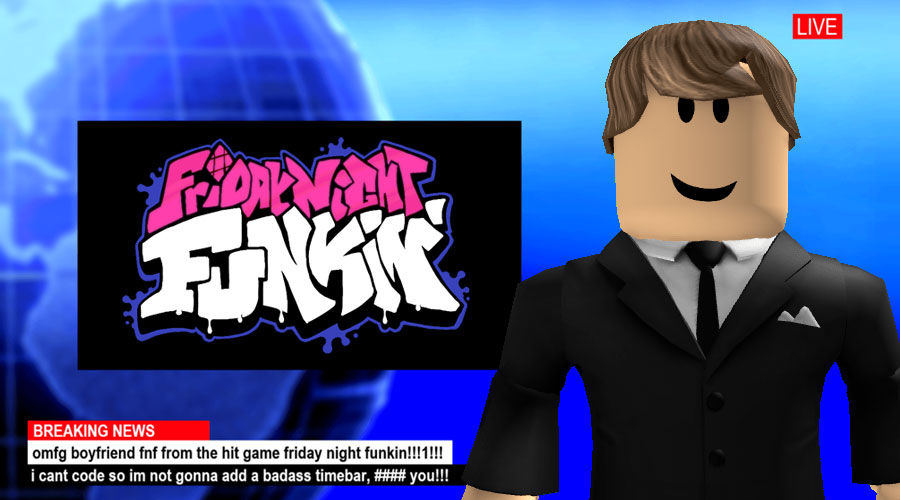
Today's news is exceptional! Get ready to dive into the wild world of FNF Vs. Roblox: Breaking News. This game brings you an exciting interview session between Boyfriend and the famous presenter on a news show in the town of Bloxburg. It's a unique blend of humor and surprise as the two characters engage in a fascinating—and sometimes incomprehensible—language battle. Questions are asked in a catchy "Neh neh neh neh neh" rhythm, while answers are given in the robotic "beep bop ski doo bop." It's a mod that celebrates a now-discontinued feature from Roblox, where players could watch a quirky fictional news channel. This is a must-play for fans of both FNF and Roblox, featuring creative art, animation, coding, and music by talented creators.
How to play FNF Vs. Roblox: Breaking News
Step 1: Visit the Original mod page to download FNF Vs. Roblox: Breaking News.
Step 2: Install the mod on your game to enjoy the unique interview experience between Boyfriend and the presenter.
Step 3: Sit back and enjoy the show as you witness the entertaining language exchange, with its mix of catchy phrases and robotic responses.
Step 4: Share your thoughts and reactions with the community as you explore this quirky mod together.
Recommended next: FNF Vs. CatNap: Poppy Playtime Project Funk
Everything You Need to Know About FNF Vs. Roblox: Breaking News
Game Information
- Game Title: FNF Vs. Roblox: Breaking News
- Genre: racing
- Platform: HTML5 Browser Game
- Release Date: 2024-10-17
- Players: Single Player / Multiplayer
- Price: Free to Play
- Rating: ⭐ 5.0/5 (7 votes)
- Total Plays: 23
Why Play FNF Vs. Roblox: Breaking News on PlayCrazyGames?
game_y8.game_experience_free
- ✅ Instant Access - No downloads or installations
- ✅ Full Screen Mode - Immersive gaming experience
- ✅ Mobile Optimized - Play on any device
- ✅ High Performance - Smooth gameplay guaranteed
- ✅ Safe & Secure - 100% virus-free
- ✅ No Registration - Start playing immediately
How to Play FNF Vs. Roblox: Breaking News
Master FNF Vs. Roblox: Breaking News with these simple steps:
- Click the game container to start playing
- Use mouse click or keyboard controls (check game instructions)
- Complete objectives and achieve high scores
- Press fullscreen button for better experience
- Share with friends and challenge their scores!
Gameplay Tips & Strategies
To excel at FNF Vs. Roblox: Breaking News, consider these expert tips:
- Start with tutorial levels to understand basic mechanics
- Practice regularly to improve reaction time and skills
- Watch video walkthrough for advanced strategies
- Take breaks to maintain focus and performance